p5-sketchbook
Interactive Media — A1 Sketch Series
some p5.js sketches made for Interactive Media at UTS, August–October 2026. Each one takes a single interaction: click, tap, drag, voice, etc.
View the code — github.com/miyalee/p5-sketchbook
The works
 |
A1A — Window View · ▶ Run live 6–21 Aug 2026 · reload A pale sky seen through a window frame, drawn only from lines and ellipses. noLoop() freezes it after one pass, so the variation lives in the reload — every refresh scatters a new sky. |
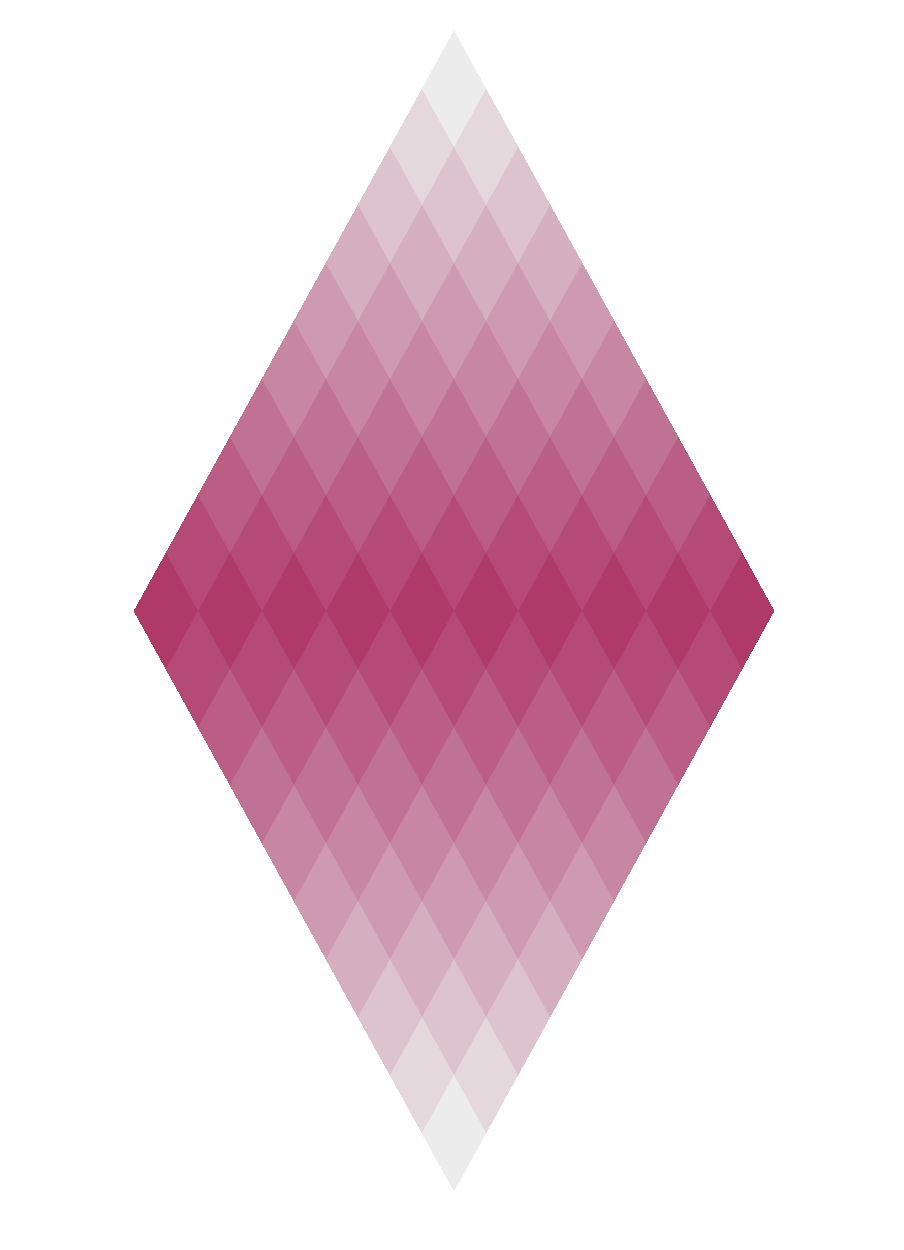 |
A1B — Diamond · ▶ Run live 22 Aug – 3 Sep 2026 · click Nineteen rows of small diamonds resolve into one large diamond. Click and light ripples out through the tiles, each flashing as the wave reaches it — the whole stone catching the light the way a cut gem does when it turns. |
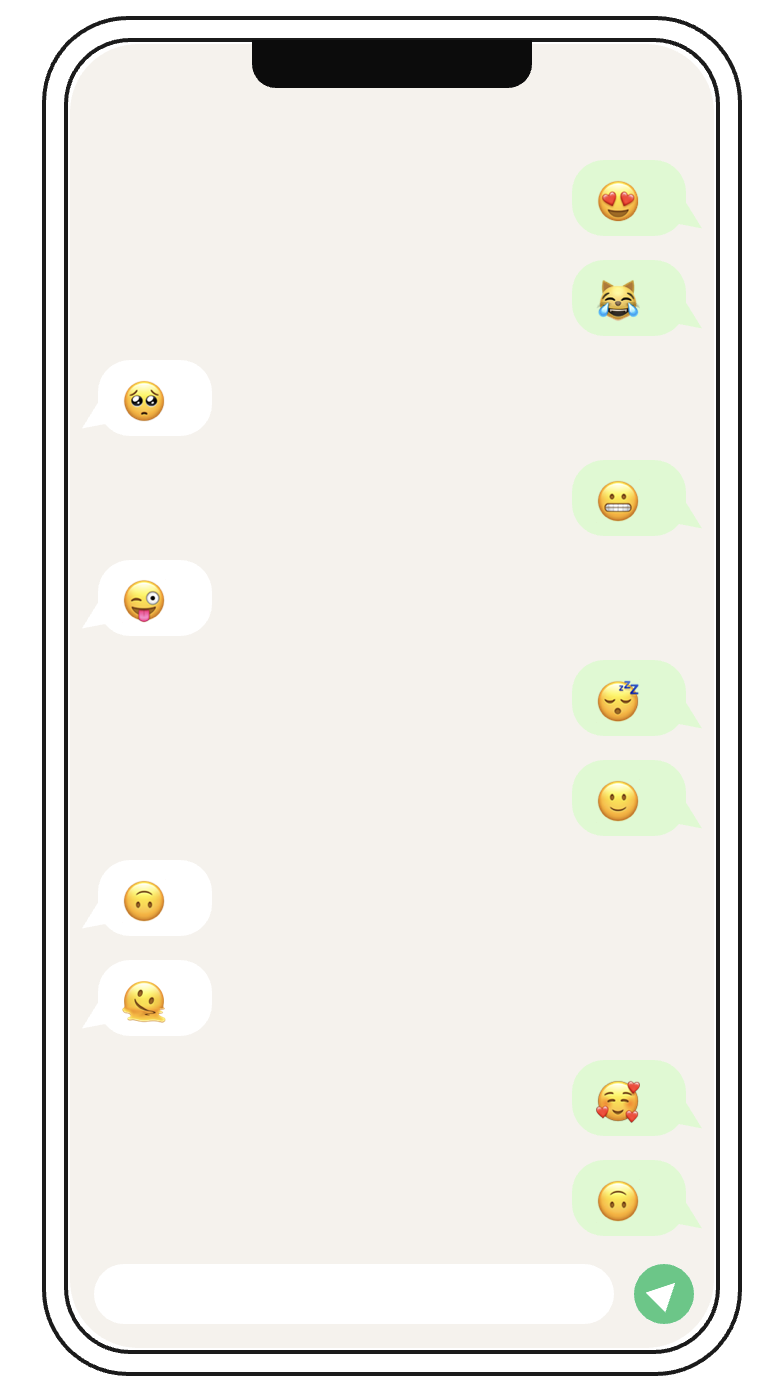 |
A1C — Communication · ▶ Run live 2–4 Sep 2026 · tap left / tap right A phone with no keyboard. Tap the left half and someone speaks; tap the right half and you answer. Neither of you chooses the words — it is the easy back-and-forth of a chat that never needed to mean anything. |
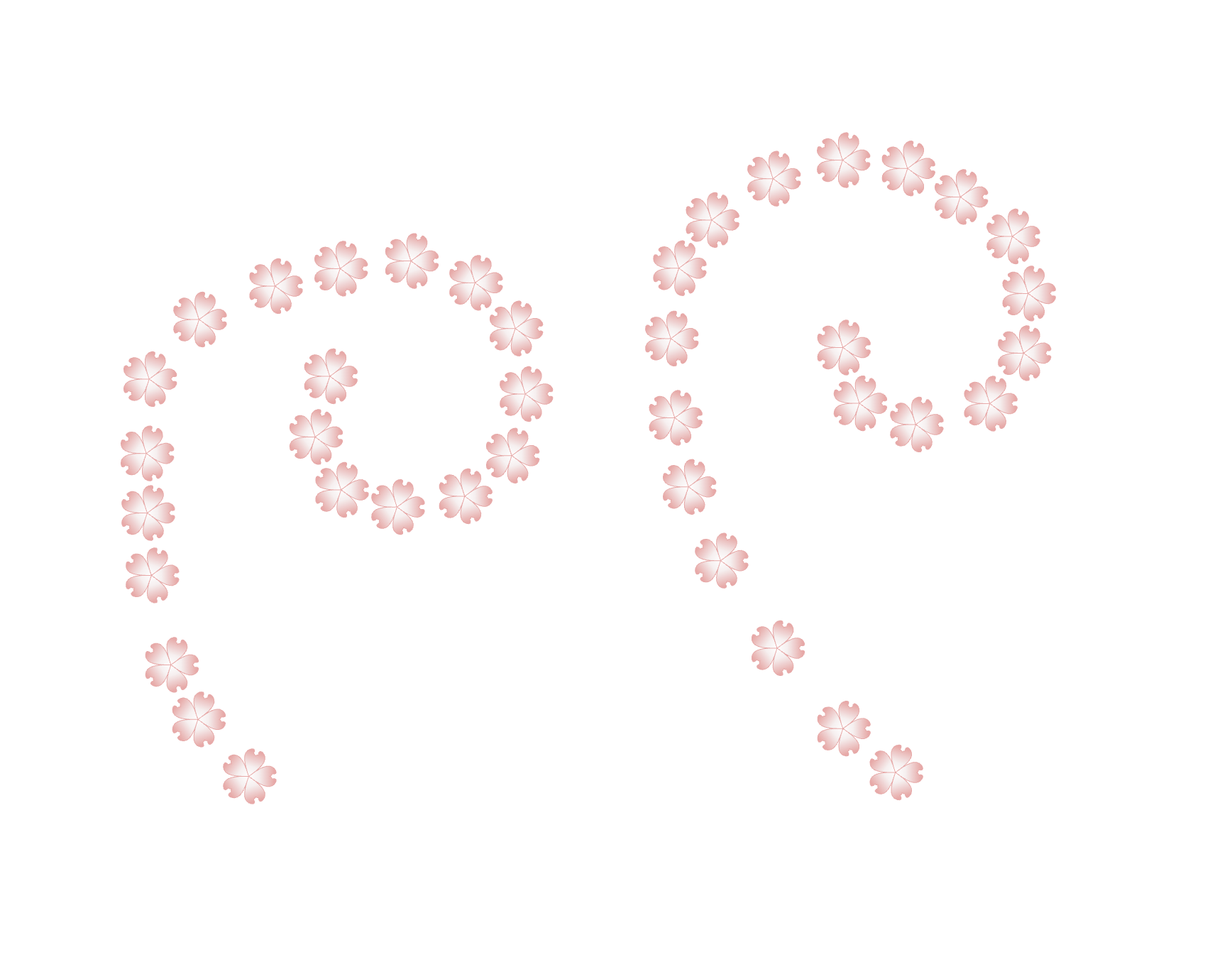 |
A1D — Stroke Blooming · ▶ Run live 6–11 Sep 2026 · drag A drawing tool that won’t let you keep a line. Flowers open along the path you trace, hold for three seconds, then fade — the Chinese idiom 妙笔生花, “a wondrous brush grows flowers”, taken at its word. |
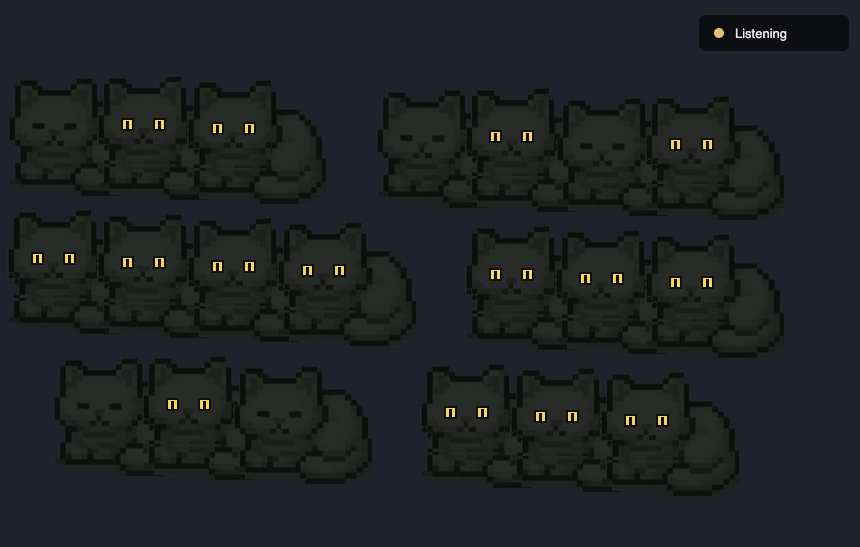 |
A1E — Cats in the Dark · ▶ Run live 15–18 Sep 2026 · microphone Twenty cats asleep in a dark room. Speak and their eyes open one by one, like little lasers coming on across the floor. Duration wakes them, not volume — the room responds to sustained presence, not to a shout. |
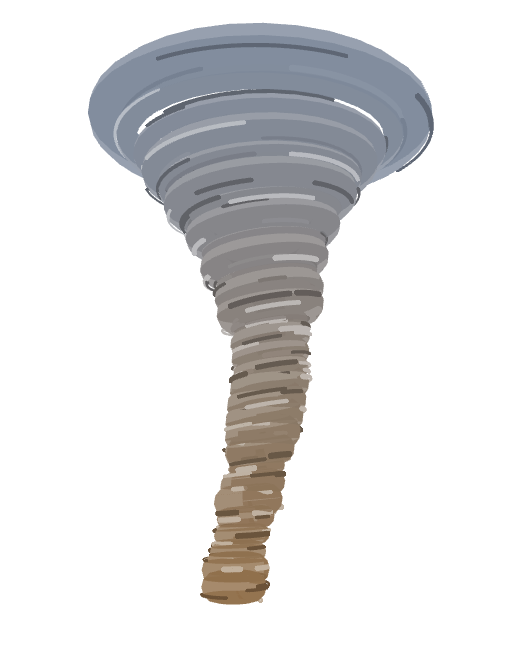 |
A1F — Tornado · ▶ Run live 30 Sep – 3 Oct 2026 · drag · panel A cartoon tornado in 3D, thirty stacked rings that spin, swell and sway, fading from earth brown at the tip to storm grey at the top. Drag to walk around it; a live panel reshapes the tornado, its colours and its spin while it runs. |
Running them
To run locally, serve the repo from its root:
npx http-server -p 8000
Then open http://localhost:8000 .
Built with
Layout
A1X_ProjectName/
├── index.html      entry point
├── sketch.js       the work
├── css/style.css
├── js/             vendored p5.js (+ addons where used)
├── assets/         sprites, where the piece needs them
├── media/          version1.png, version2.png, demo.mp4
└── README.md       concept, inspiration, how it works